Brief Overview
Enhancing workplace collaboration, professional Microsoft Teams Room installation services provide seamless integration of hardware and software, transforming meeting spaces into efficient hubs for communication. With tailored solutions, businesses can choose setups that either upgrade existing systems or create new installations, ensuring reliability and optimal performance. Efficient deployment strategies, including choosing appropriate installation media and leveraging customization features, streamline the setup process. This approach not only boosts productivity but aligns with organizational needs, ultimately empowering teams to connect and collaborate effectively, paving the way for business growth and improved communication dynamics.
Key Highlights
- Microsoft Teams Room Installation transforms meeting spaces into seamless collaboration hubs.
- Choosing correct installation media is crucial for efficient Microsoft Teams setup.
- Integration of the Teams room console enhances collaboration and productivity.
- Comprehensive checklists ensure successful deployment and configuration of room devices.
- Customizing Teams Rooms boosts user experience and collaboration efficiency.
SERVICES


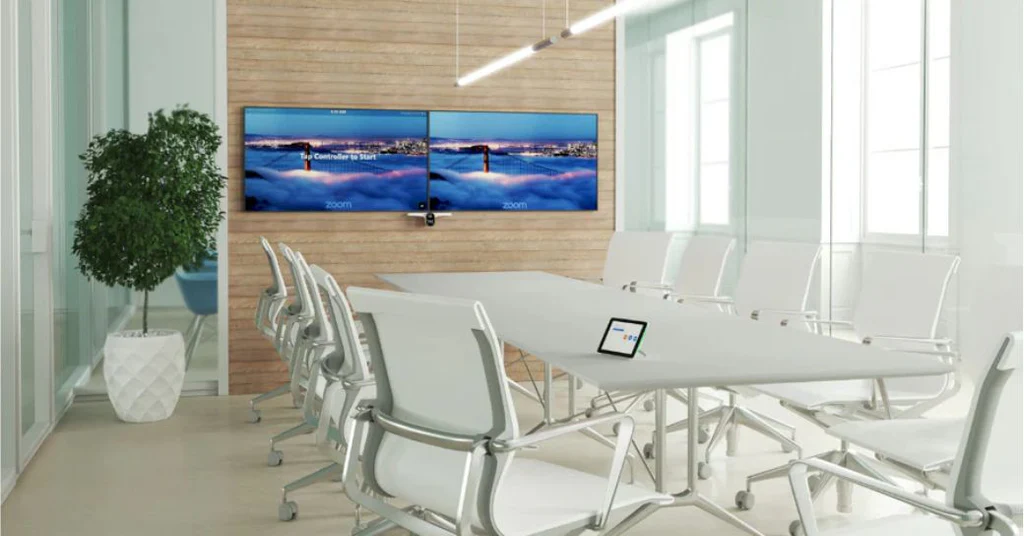
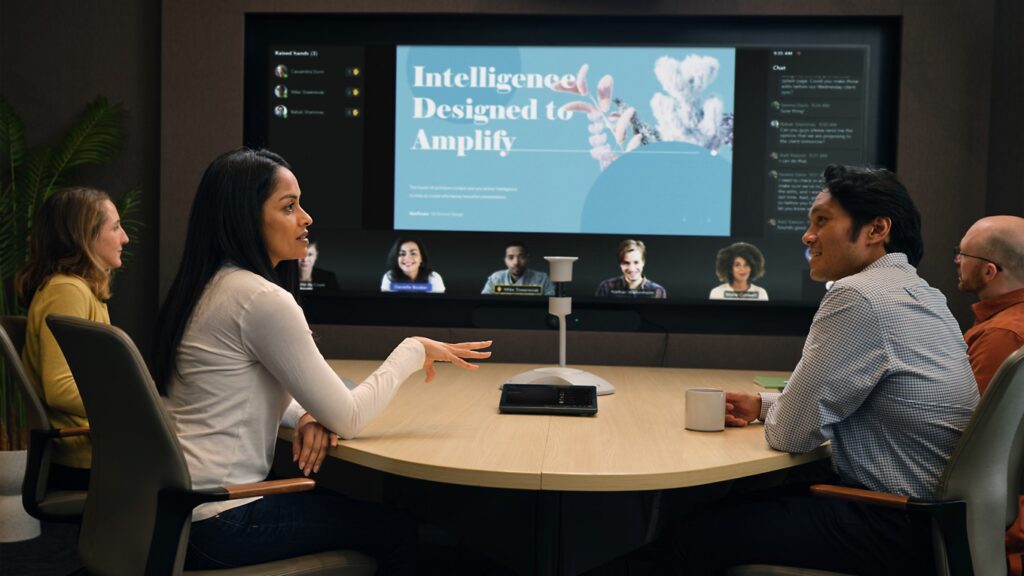
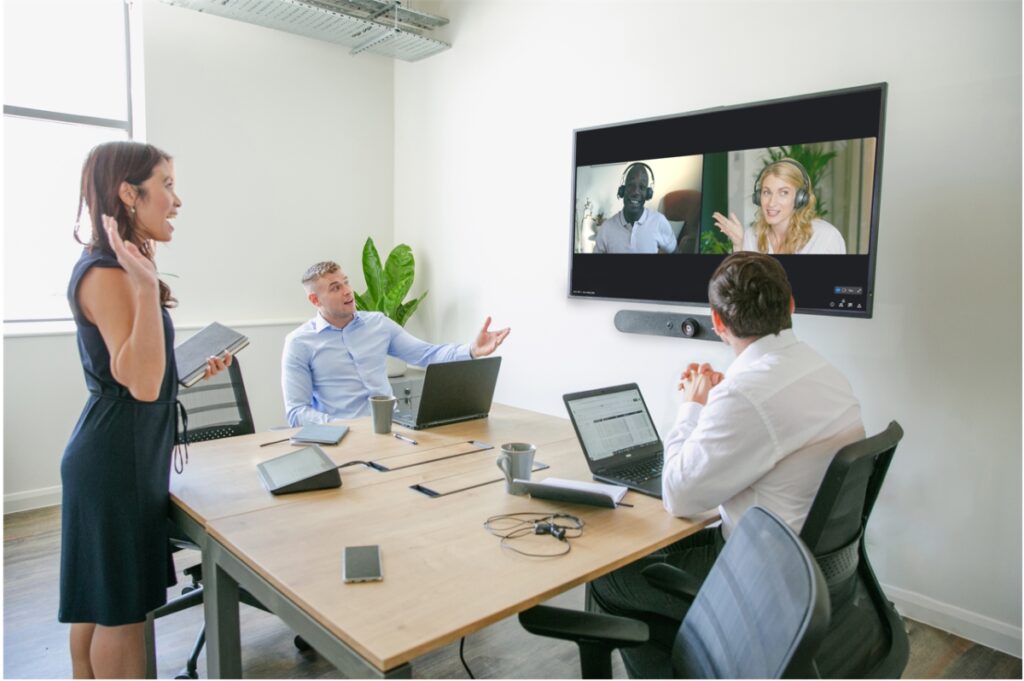
Setting Up Installation Media for Microsoft Teams Room
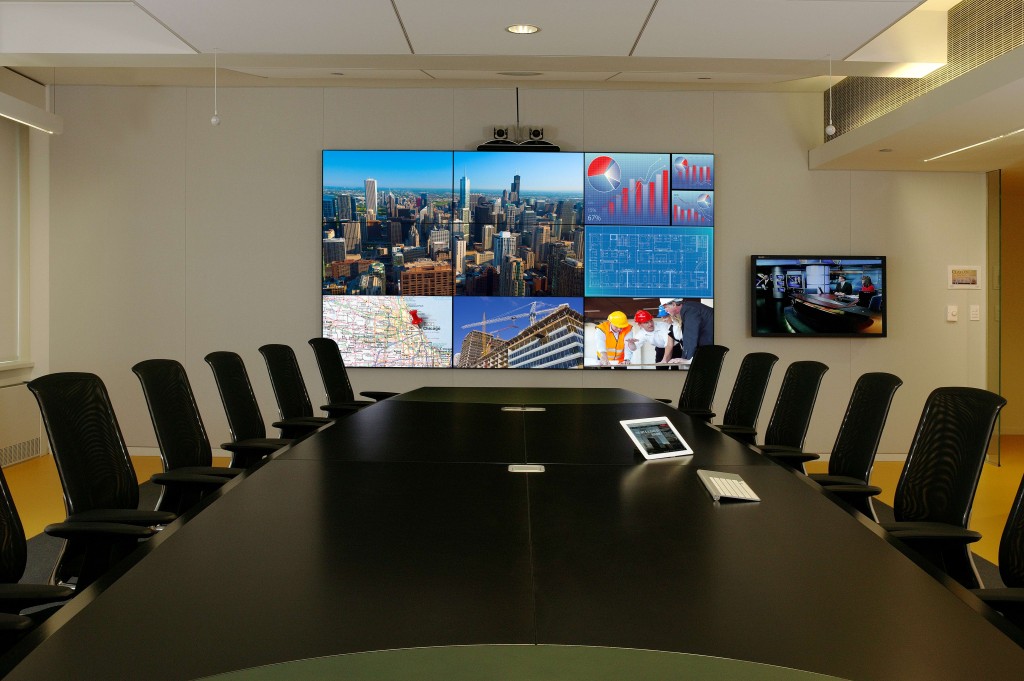
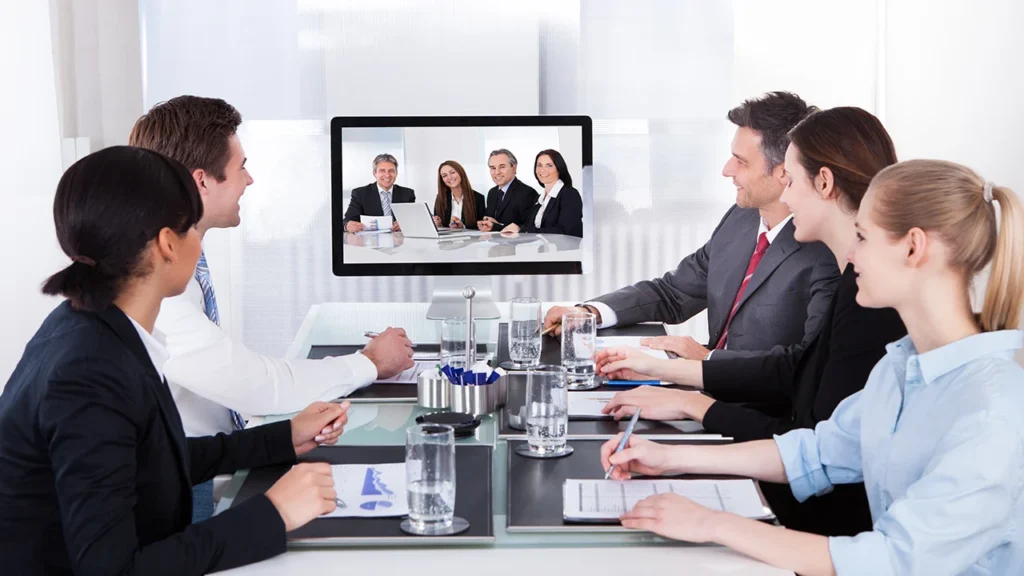
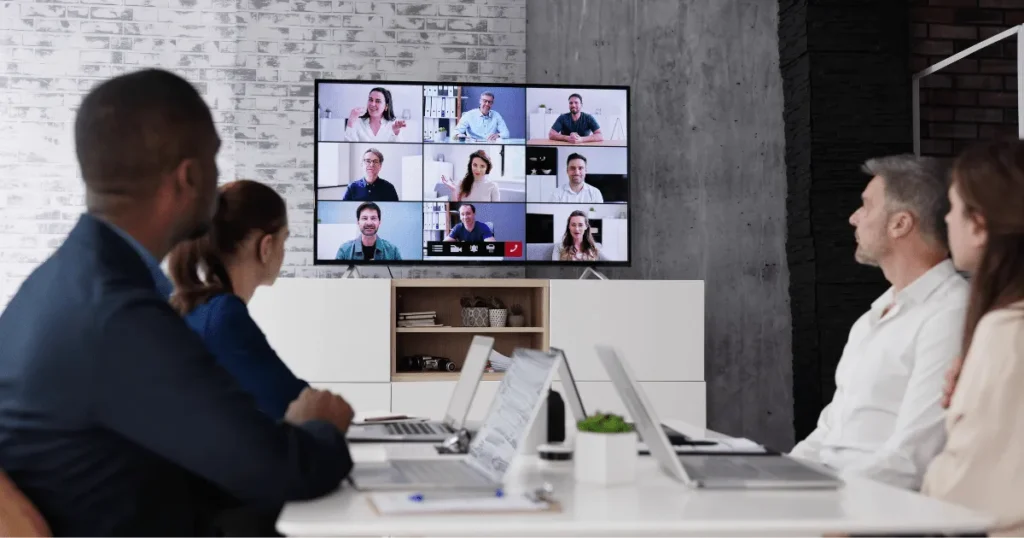
Ensuring proper setup of your Microsoft Teams Rooms starts with selecting the correct installation media. Whether opting for a USB setup or a setup disk, choosing the right medium can significantly streamline the installation process. Understanding the essentials for configuring your Microsoft Teams rooms will help business owners make the most of their technology investments. From selecting a room device tailored to your needs to configuring your setup efficiently, this overview provides the insight you need for room device installation success.

For those navigating the options, here are factors to consider when selecting the ideal installation media:
- USB installs quickly and can be used across multiple devices.
- Setup disks often ensure stable installations with fewer errors in large deployments.
- Consider the technical skills of your IT team when deciding on the media type.
- Assess your network’s bandwidth to decide if cloud-based installations are feasible.
- Ensure compatibility with the room devices being used during setup.
- Weigh the cost implications of each media type for budget alignment.
Consider these factors to optimize your media selection strategy for Teams room setups.
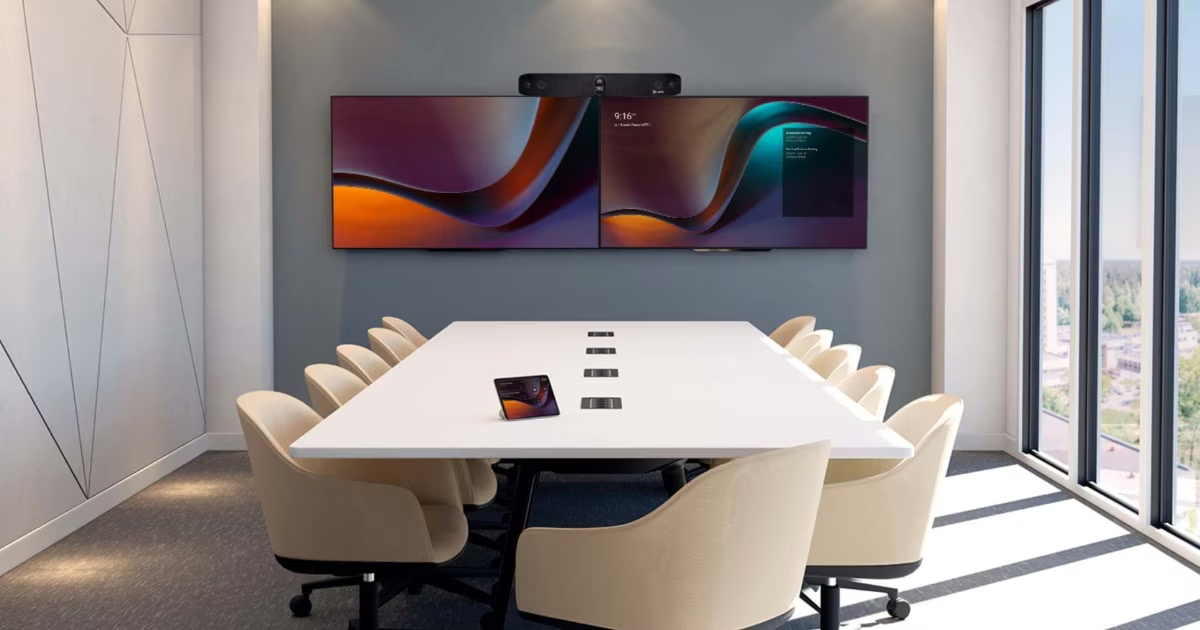
Integrating the Rooms Console with Existing Systems
Embedding the Microsoft Teams room console into your current systems requires a strategic approach to achieve optimal performance. This integration allows for a unified communication system that enhances collaboration and productivity. By setting up Microsoft Teams Rooms, including the room console, businesses can streamline operations and improve user experiences. Considerations during installation include network compatibility and precise configuration. With the correct strategies, your room console becomes a critical asset in managing effective communications. Explore how a well-configured room console can increase reliability and manageability for your Teams setup.
| Key Components | Configuration Tips | Performance Benefits | Monitoring Strategies |
| Room Console | Ensure firmware updates are current | Seamless connectivity and interface | Regular system health checks |
| Audio/Video Hardware | Select compatible devices | Enhanced audio and video quality | Monitor device usage statistics |
| Network Infrastructure | Optimize bandwidth allocation | Reduced latency and packet loss | Utilize network analysis tools |
| User Management | Set user permissions | Improved user experience and access | Track session activity logs |
| Security Protocols | Implement multi-factor authentication | Increased data protection | Conduct regular security audits |
Preparing Rooms Devices for Deployment
Getting your rooms devices ready for deployment is crucial for ensuring seamless operations of Microsoft Teams Rooms. This process includes reviewing and finalizing the setup to achieve optimal communication efficiency. By using a comprehensive checklist, businesses can address all necessary steps to manage and configure room devices effectively. Whether it’s ensuring that the room device is up-to-date or that network configurations are solid, a robust preparation strategy can make deployment smoother and more efficient, leading to better collaboration outcomes.
We Provide
Video Conferencing Audio Video & Installation Service in the Following Cities Near Seattle, WA
- Redmond, WA
- Kingsgate, WA
- Kenmore, WA
- SeaTac, WA
- Bothell, WA
- Sammamish, WA
- Issaquah, WA
- Medina, WA
- Clyde Hill, WA
- Yarrow Point, WA
- Hunts Point, WA
- Woodinville, WA
- Mountlake Terrace, WA
- Lynnwood, WA
- Edmonds, WA
- Mill Creek, WA
- Brier, WA
- Mukilteo, WA
- Everett, WA
- Snohomish, WA
- Monroe, WA
- Duvall, WA
- Carnation, WA
- Fall City, WA
- North Bend, WA
- Preston, WA
- Maple Valley, WA
- Covington, WA
- Black Diamond, WA
- Enumclaw, WA
- Kent, WA
- Auburn, WA
- Federal Way, WA
- Des Moines, WA
- Normandy Park, WA
- Vashon, WA
- Bainbridge Island, WA
- Silverdale, WA
- Poulsbo, WA
- Bremerton, WA
- Port Orchard, WA
- Gig Harbor, WA
- Fife, WA
- Milton, WA
- Edgewood, WA
- Puyallup, WA
- Sumner, WA
- Bonney Lake, WA
- Tacoma, WA
- University Place, WA
- Fircrest, WA
- Lakewood, WA
- Steilacoom, WA
- DuPont, WA
- Lacey, WA
- Olympia, WA
- Tumwater, WA
- Snoqualmie, WA
- Snoqualmie Pass, WA
- Ravensdale, WA
- Hobart, WA
- Wilderness Rim, WA
- Fairwood, WA
- Bryn Mawr-Skyway, WA
- Highline, WA
- Riverton, WA
- Arbor Heights, WA
- West Seattle, WA
- Ballard, WA
- Magnolia, WA
- Queen Anne, WA
- Capitol Hill, WA
- Madison Park, WA
- Wallingford, WA
- Fremont, WA
- Green Lake, WA
- North Seattle, WA
- South Seattle, WA
- Beacon Hill , WA
- Rainier Beach, WA
- Columbia City, WA
- Mount Baker, WA
- Leschi, WA
- Laurelhurst, WA
- Maple Leaf, WA
- Roosevelt, WA
- Wedgwood, WA
- Lake City, WA
- Shorewood, WA
- Inglewood-Finn Hill, WA
Effective Strategies for Rooms Deployment
Deploying Microsoft Teams Rooms efficiently requires a solid strategy that considers various factors like device management and setup. Streamline the installation and deployment processes by leveraging advanced configurations and resource accounts. Understanding how to effectively deploy these rooms will ensure seamless integration into your existing systems, enhancing your team’s productivity. With the right approach to rooms installation, businesses can maximize Microsoft Teams’ capabilities for improved communication and collaboration. The following strategies are designed to guide you through setting up Microsoft rooms, focusing on essential tips for optimal setup and deployment
For a successful teams rooms setup, consider the following strategies to enhance your installation process:
- Select devices compatible with your network for better stability.
- Evaluate network capacity for potential upgrades or improvements.
- Train staff on rooms management tools to boost productivity.
- Schedule regular maintenance checks to ensure optimal performance.
- Designate a team for troubleshooting and resolving issues promptly.
- Set up remote monitoring to track room performance in real time.
Efficiently integrating teams rooms can significantly improve operational workflow and collaboration.
Maximizing Room Customization for Enhanced User Experience
Enhancing your Microsoft Teams Rooms through customization can significantly boost user experience and collaboration efficiency. Tailoring device configurations and leveraging unique features allows businesses to create highly personalized meeting environments. Integrating customized setups ensures that your teams rooms function optimally, promoting seamless interaction during meetings. By focusing on room customization, business owners can manage and configure their teams rooms to suit specific operational needs. Streamlining installation procedures and managing room setups effectively are not only crucial for immediate benefits but also for long-term success in team communication.
FAQ’s
What are Microsoft Teams Room Installation services?
Microsoft Teams Room Installation services are designed to transform meeting spaces into seamless collaboration hubs through professional integration of hardware and software. These services are tailored to meet specific business needs, whether setting up new systems or upgrading existing ones.
Why is selecting the correct installation media important for Microsoft Teams Rooms?
Choosing the correct installation media is crucial for streamlining the setup process of Microsoft Teams Rooms. Options like USB setups offer ease of transferability, while setup disks provide stability for larger deployments.
How does the integration of the Teams room console enhance productivity?
Integrating the Teams room console into your systems allows for a unified communication environment, which significantly enhances collaboration and productivity by streamlining operations and improving user experiences.
What is included in the checklist for the successful deployment of Microsoft Teams Rooms?
A comprehensive checklist for deployment includes verifying device compatibility, ensuring software is up-to-date, and setting user access permissions. Such preparation helps manage and configure room devices effectively.
How can customization of Microsoft Teams Rooms improve user experience?
Customization allows businesses to tailor device configurations and leverage unique features to create personalized meeting environments, improving user experience and collaboration efficiency during meetings.
Get a Free Quote
Email: info@seattleconferenceroomavtechs.com
Phone: +1 206 208 1757