Brief Overview
Maximize productivity with professional Google Meet room setup services that ensure seamless integration of state-of-the-art hardware tailored to your business needs. Each room is optimized to enable flawless virtual meetings, whether for small huddle spaces or large boardrooms, ensuring clear audio-visual experiences for all participants. By leveraging expert installation and management solutions, businesses can enhance communication efficiency and interaction, transforming meeting spaces into high-performance hubs. Embrace custom setups with advanced features to boost engagement and facilitate unmatched virtual collaboration, aligning technology with modern business demands.
Key Highlights
- Transform conference rooms with professional Google Meet installations to boost productivity and integration.
- Optimize virtual meetings with tailored Google Meet setups to meet unique room and participant needs.
- Enhance meeting efficiency using Logitech hardware for seamless Google Meet compatibility and performance.
- Utilize strategic layouts and customization to maximize Google Meet room effectiveness.
- Follow an installation checklist to ensure high-definition streaming and robust system management.
SERVICES

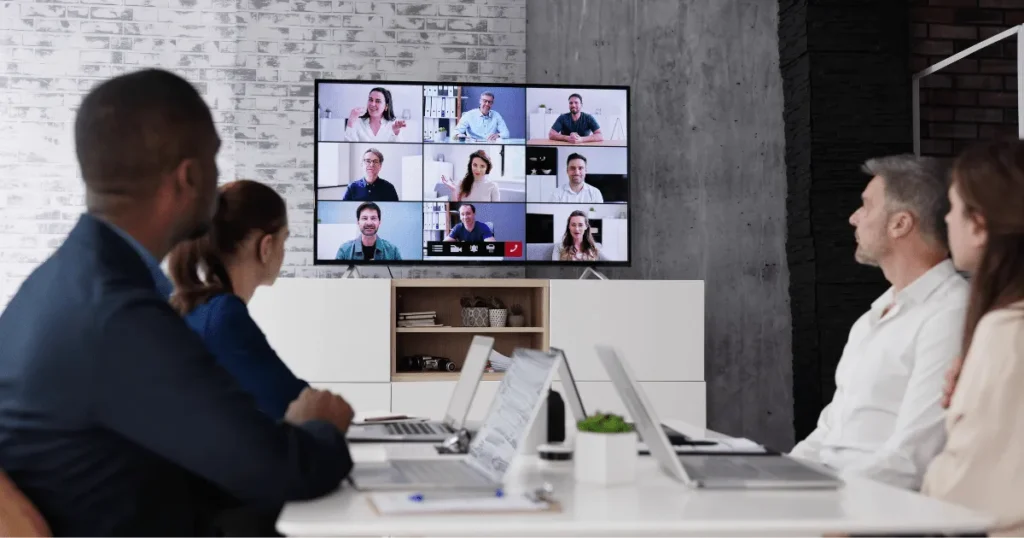
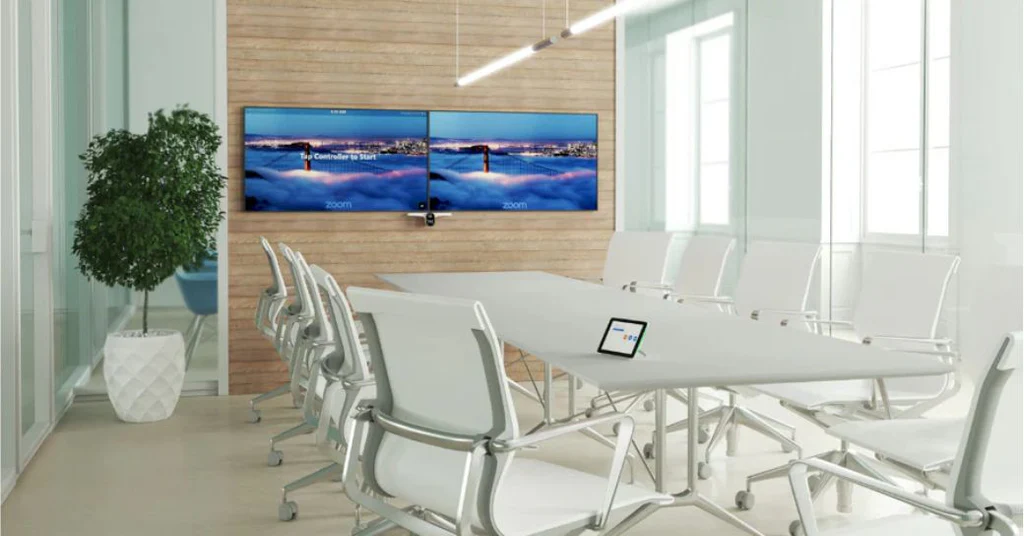
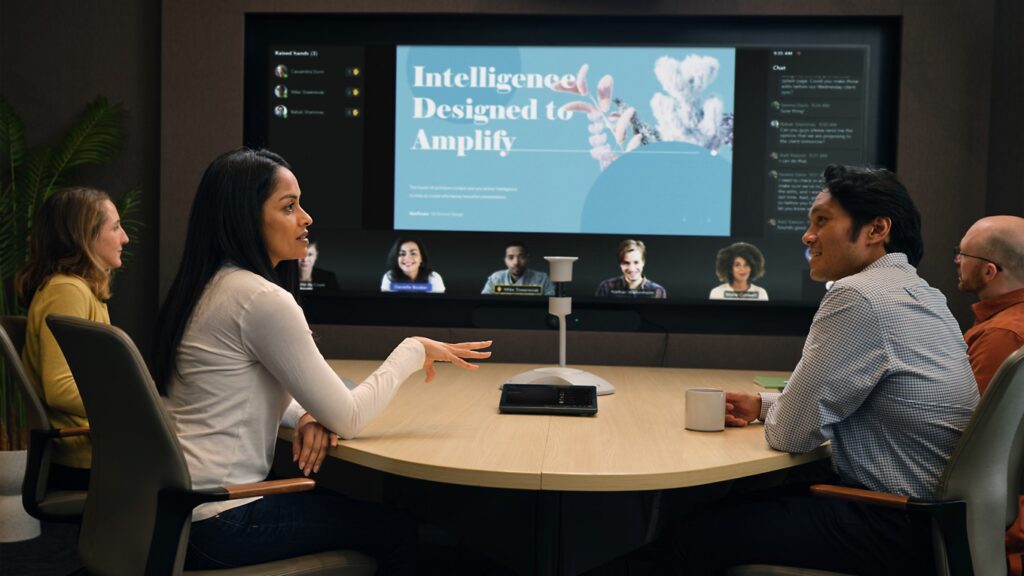
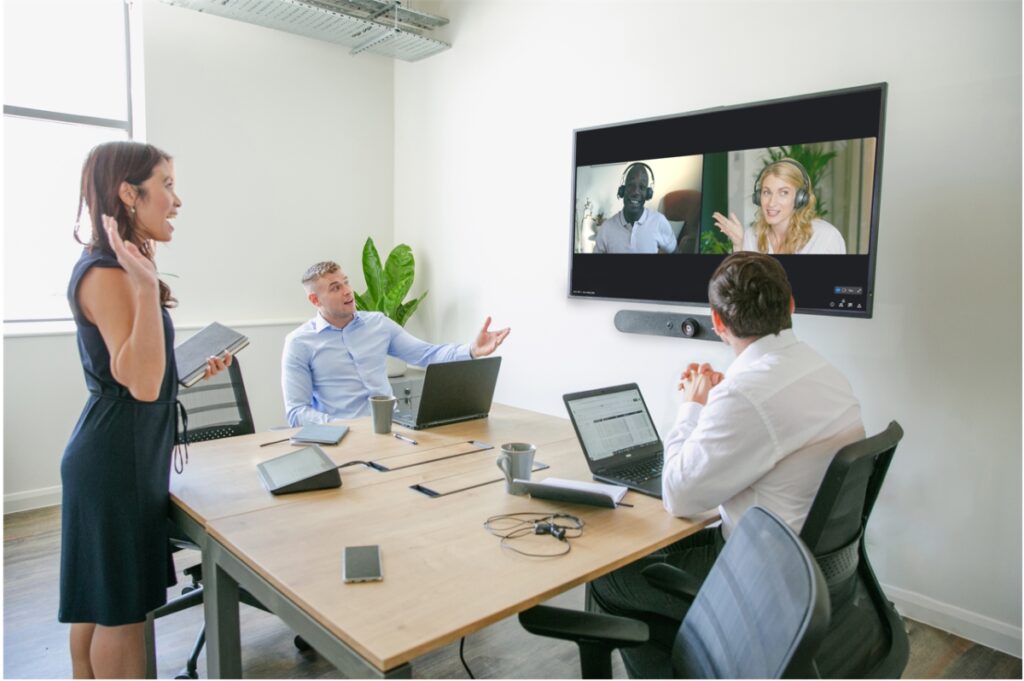
Understanding Google Meet Installation Services
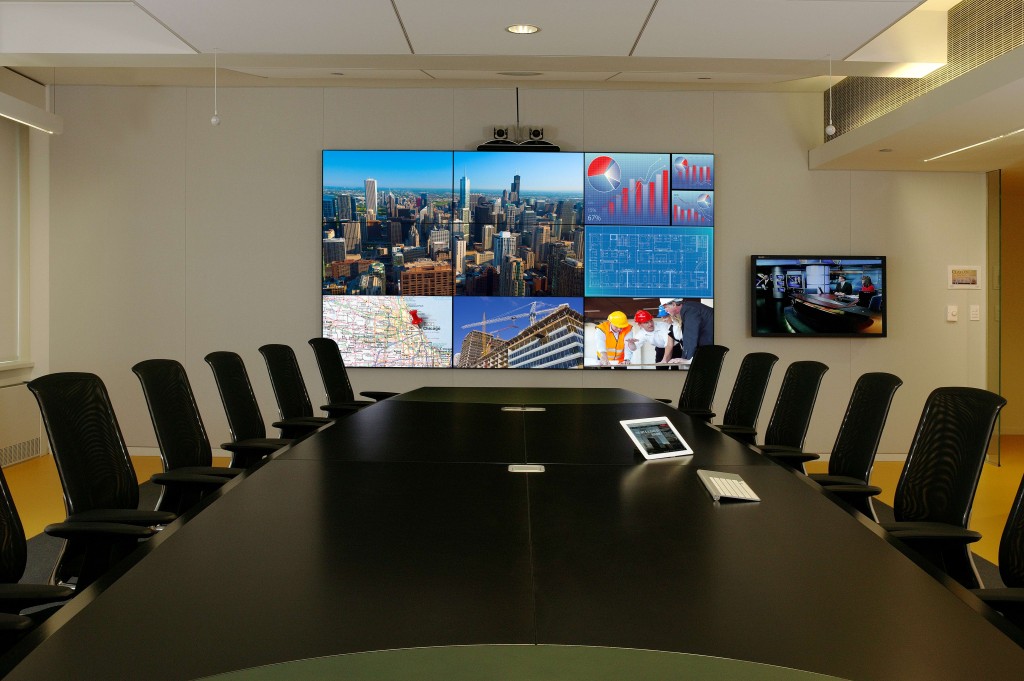
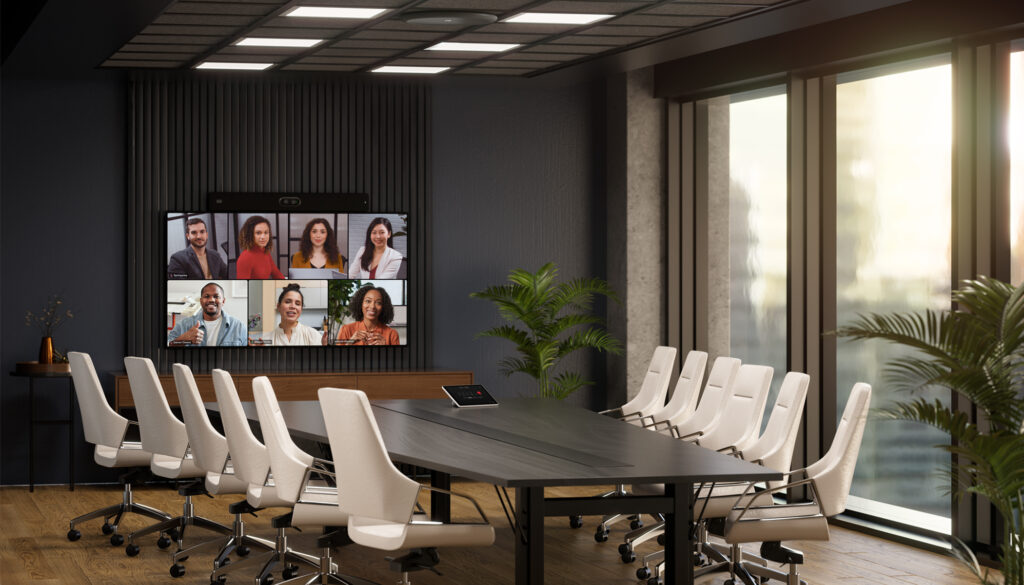
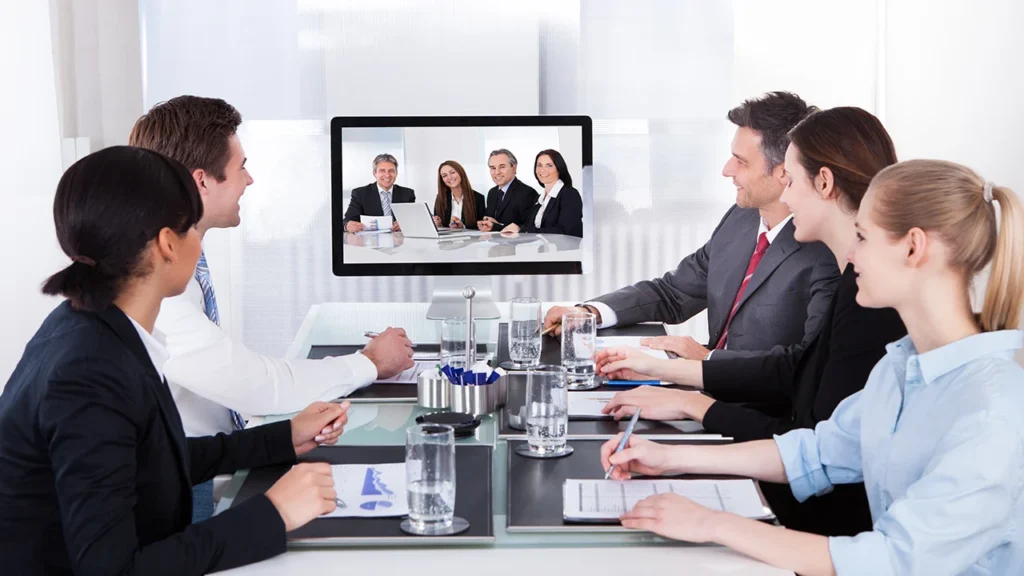
Setting up Google Meet rooms can greatly improve productivity for businesses by ensuring high-quality meetings. The installation of a Google Meet setup requires an understanding of the ideal room and technology integration. With proper installation services, business owners can optimize their space to facilitate seamless virtual meetings. This section will emphasize the importance of a well-equipped room, highlighting key aspects to consider for an effective Google Meet setup. By investing in professional services, you’ll guarantee that your rooms are ready to handle any virtual meeting challenges and provide a stellar experience for all participants.
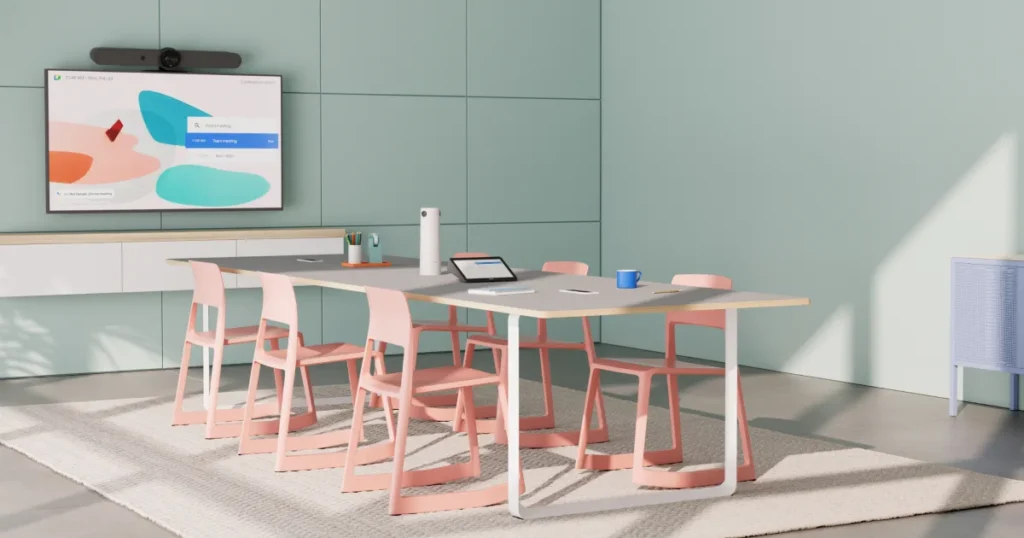
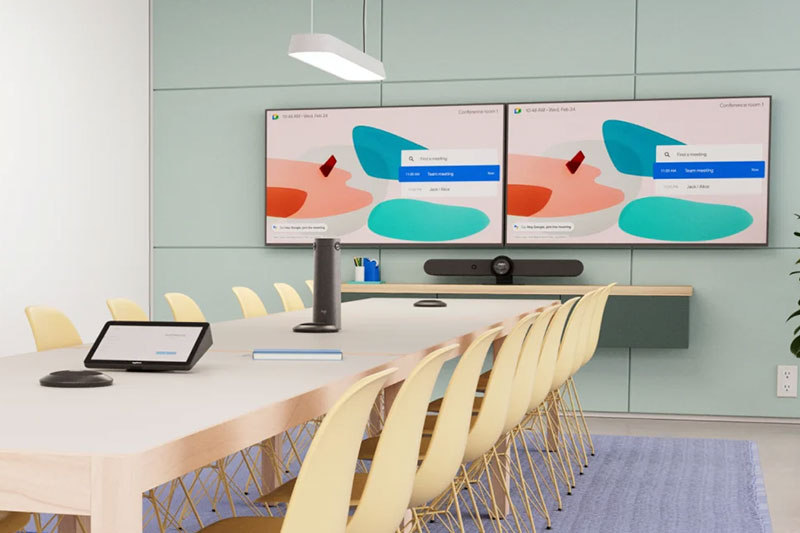
Choosing the Right Room Setup
Selecting the appropriate setup for Google Meet installations is crucial for achieving optimal performance and productivity in virtual meetings. There’s no one-size-fits-all solution; every room demands a specific configuration to accommodate its dimensions and participant count. Various options, from minimalist setups to advanced rally systems, can be tailored to enhance both functionality and comfort. To ensure maximum effectiveness, explore different hardware combinations and setups that fit your room size and technical requirements. Trusting a certified partner for installation can guarantee your investment in Google Meet technology delivers exceptional results every time.
| Room Type | Recommended Setup | Benefits |
| Small Room | Compact camera and microphone | Efficient use of space, cost-effective |
| Medium Room | Wide-angle camera and centralized microphone | Better visibility, improved audio coverage |
| Large Room | Multiple cameras and array microphones | Enhanced video quality, comprehensive audio capture |
| Auditorium | Pan-tilt-zoom cameras and distributed microphones | Complete room coverage, flexible interaction |
Meet Hardware Requirements
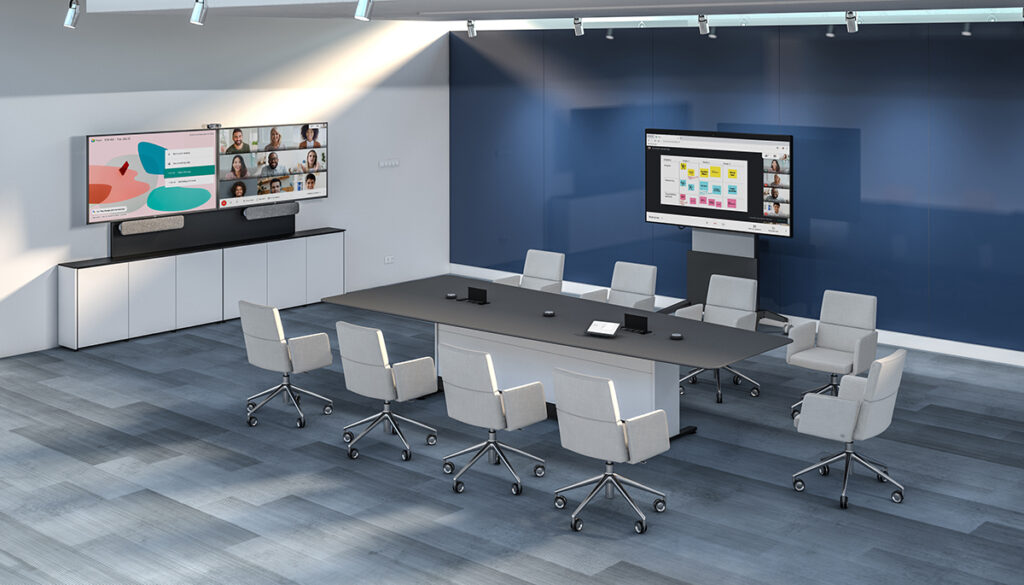
Establishing Google Meet rooms necessitates selecting the correct hardware to ensure seamless connectivity and interaction. The hardware setup ensures smooth collaboration, providing crystal-clear video and audio, thus enhancing meeting productivity. This section delves into meeting hardware compatibility, exploring the integration of devices like the Logitech Rally Bar and their role in optimizing Google Meet experiences. Understanding these requirements ensures business owners invest in solutions that enhance meeting efficiency and reliability, with particular attention to hardware compatibility for a flawless virtual communication infrastructure.
We Provide
Video Conferencing Audio Video & Installation Service in the Following Cities Near Seattle, WA
- Redmond, WA
- Kingsgate, WA
- Kenmore, WA
- SeaTac, WA
- Bothell, WA
- Sammamish, WA
- Issaquah, WA
- Medina, WA
- Clyde Hill, WA
- Yarrow Point, WA
- Hunts Point, WA
- Woodinville, WA
- Mountlake Terrace, WA
- Lynnwood, WA
- Edmonds, WA
- Mill Creek, WA
- Brier, WA
- Mukilteo, WA
- Everett, WA
- Snohomish, WA
- Monroe, WA
- Duvall, WA
- Carnation, WA
- Fall City, WA
- North Bend, WA
- Preston, WA
- Maple Valley, WA
- Covington, WA
- Black Diamond, WA
- Enumclaw, WA
- Kent, WA
- Auburn, WA
- Federal Way, WA
- Des Moines, WA
- Normandy Park, WA
- Vashon, WA
- Bainbridge Island, WA
- Silverdale, WA
- Poulsbo, WA
- Bremerton, WA
- Port Orchard, WA
- Gig Harbor, WA
- Fife, WA
- Milton, WA
- Edgewood, WA
- Puyallup, WA
- Sumner, WA
- Bonney Lake, WA
- Tacoma, WA
- University Place, WA
- Fircrest, WA
- Lakewood, WA
- Steilacoom, WA
- DuPont, WA
- Lacey, WA
- Olympia, WA
- Tumwater, WA
- Snoqualmie, WA
- Snoqualmie Pass, WA
- Ravensdale, WA
- Hobart, WA
- Wilderness Rim, WA
- Fairwood, WA
- Bryn Mawr-Skyway, WA
- Highline, WA
- Riverton, WA
- Arbor Heights, WA
- West Seattle, WA
- Ballard, WA
- Magnolia, WA
- Queen Anne, WA
- Capitol Hill, WA
- Madison Park, WA
- Wallingford, WA
- Fremont, WA
- Green Lake, WA
- North Seattle, WA
- South Seattle, WA
- Beacon Hill , WA
- Rainier Beach, WA
- Columbia City, WA
- Mount Baker, WA
- Leschi, WA
- Laurelhurst, WA
- Maple Leaf, WA
- Roosevelt, WA
- Wedgwood, WA
- Lake City, WA
- Shorewood, WA
- Inglewood-Finn Hill, WA
Creating an Efficient Conference Room
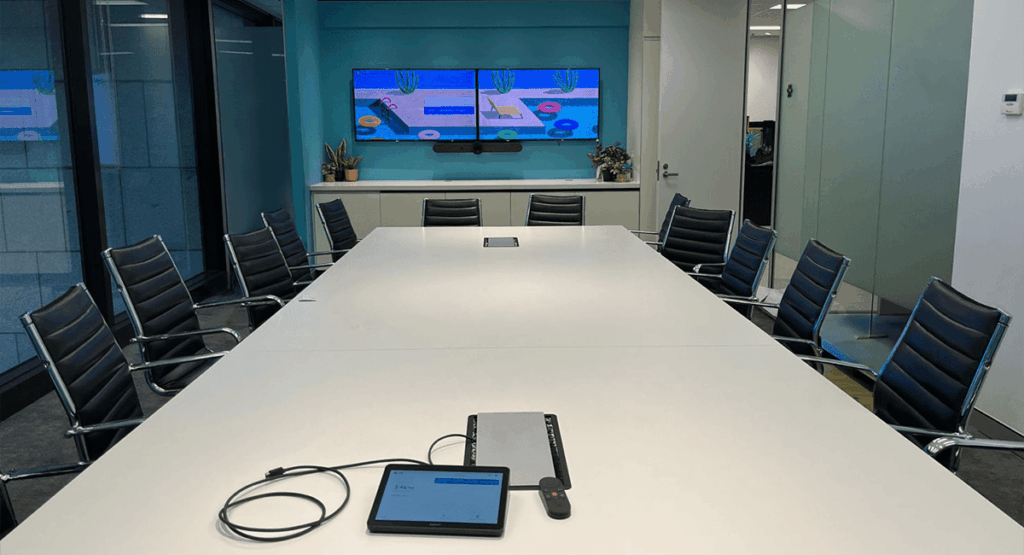
An efficient Google Meet room is essential for facilitating productive virtual meetings. Investing in Google Meet room installation services allows you to tailor a space that fits your business needs. With the right setup, incorporating rally mics and mic pods, your meetings can run seamlessly. This section explores effective tactics for conducting Google Meetings, highlighting the importance of customized features, strategic equipment placements like mount taps and wall mounts, and optimizing room acoustics. Discover how to create a room environment that enhances collaboration and communication, ensuring technology integration aligns with your goals.
Consider these practical tips for optimizing your conference room setup:
- Choose an ergonomic seating arrangement to enhance comfort during long meetings.
- Implement flexible seating to adapt to different meeting formats and styles.
- Utilize wireless connectivity solutions to reduce clutter and enhance device usability.
- Display meeting agendas on a dedicated screen for easy reference by all attendees.
- Employ dual monitors to facilitate multitasking and display other meeting-related content.
- Ensure high-speed internet connectivity to maintain a stable and uninterrupted meeting flow.
- Regularly train staff on using meeting tools to make technology integration seamless.
By integrating these strategies, your Google Meetings can reach new levels of efficiency and collaboration.
Managing Your Google Meet Room
Managing a Google Meet room efficiently hinges on using the right tools and setup strategies. Equip your space with intuitive controls and products that prioritize seamless interaction and reliability. Understanding the importance of a well-managed environment helps align technology with your business needs, driving productivity and engagement. Delve into proven tools and mechanisms that facilitate unmatched room management, ensuring every meeting is an opportunity for effective communication.
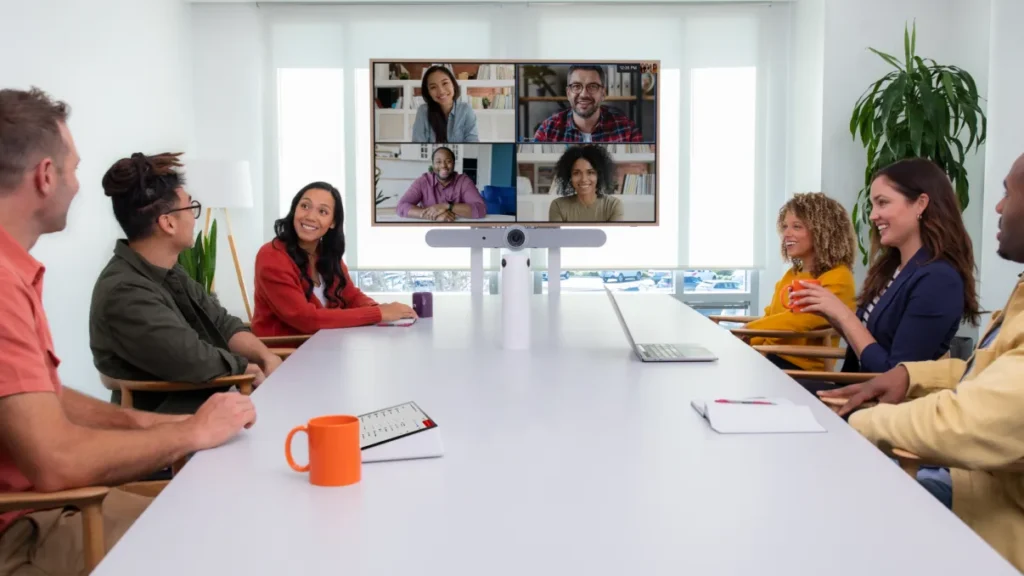
To extend the discussion on effective management and control of Google Meet rooms, consider the following practical applications:
- Use cloud-based management to monitor room usage and performance metrics.
- Implement video conferencing analytics to improve meeting room utilization.
- Regularly update hardware to support new Google Meet features.
- Configure user permissions for secure access management.
- Employ remote troubleshooting for swift issue resolution during meetings.
- Schedule routine maintenance checks to ensure all devices are operational.
- Leverage integrations with calendar systems for seamless meeting scheduling.
- Utilize noise-cancellation technology for optimal audio clarity.
These strategies enable more efficient and secure virtual collaboration environments.
Customizing Your Google Meet Experience
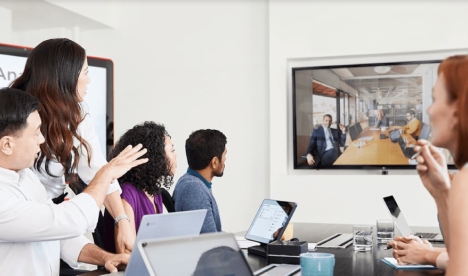
Customizing your Google Meet experience is essential for maximizing your virtual meeting potential. With installation services, you can create tailored room setups that add functionality and streamline each session. Whether through Intelligent device placement or strategic integration of essential tools, professional services help transform any space to meet your specific needs. Supporting seamless communication, strategically placed hardware not only improves visual and auditory clarity but also boosts overall meeting efficiency. This section delves into the creation of custom room solutions, focusing on personalized setups that reflect the unique demands of each business environment.
Google Meet Installation Checklist
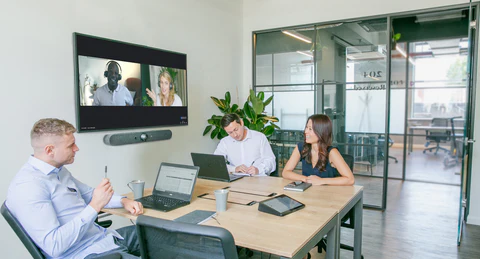
To ensure your Google Meet room is fully functional and optimized, follow a meticulous installation checklist. Begin by confirming compatibility with Google Meet and Google Cloud services to streamline the virtual meeting experience. Evaluate the hardware selection, prioritizing high-performance devices like Logitech Tap and Rally systems, which integrate seamlessly with the platform. Ensure the hardware placement accommodates the room’s layout, allowing for unobstructed video and audio. This layout should facilitate easy interaction without compromising on accessibility or quality.
A crucial element of the checklist includes checking network connectivity, ensuring robust internet speed and stability to support high-definition video calls. Address cloud integration needs, leveraging Google Cloud to enhance system security and management capabilities. This step is vital for maintaining data integrity and facilitating remote device management. Additionally, incorporate user-friendly controls to simplify room management for all participants, reducing the likelihood of technical disruptions during meetings.
FAQ’s
What are Google Meet room installation services?
Google Meet room installation services involve setting up hardware and technology to create seamless virtual meeting experiences. This includes the integration of video conferencing technology such as Logitech Rally components to ensure high-quality audio and video communication.
How can professional installation improve Google Meet room productivity?
Professional installation optimizes the room layout and hardware setup, ensuring each participant can see and hear clearly. This includes arranging equipment for unobstructed views and minimal background noise, which enhances overall meeting productivity.
What types of setups are available for different room sizes?
For Google Meet installations, smaller rooms may utilize compact video bars, while larger spaces require more complex systems like rally mic pods. These setups can easily be customized based on the room’s dimensions and meeting needs.
Why is hardware compatibility important in Google Meet setups?
Hardware compatibility is vital to ensure seamless connectivity and performance during virtual meetings. Compatible devices, such as the Logitech Rally Bar, provide clear audio and video, facilitating smooth communication.
What should be included in a Google Meet room installation checklist?
A Google Meet installation checklist should include verifying hardware compatibility, confirming network stability, and organizing equipment layout. Conducting test runs to ensure optimal audio-visual performance is also crucial.
Get a Free Quote
Email: info@seattleconferenceroomavtechs.com
Phone: +1 206 208 1757